- HubPages»
- Technology»
- Computers & Software»
- Computer Buying Guides
How to Buy a Gaming Notebook or Laptop: What to Look For and What to Avoid (get a good/better video card!) revised 2012

Introduction
Modern technology have managed to shrink a lot of performance into portable packages. It won't be cheap, but it was cheaper than ever before to play games on the go. This is what to look for if you are looking forward to getting one for your Christmas Holidays.
NOTE: The configurations and prices mentioned are accurate as of December 2012.
So What Game Do You Want to Play?
A lot of gamers want to take their games on the go, but very often they don't read the game specs. They forgot that the video on a laptop or notebook is NOT upgradeable, unlike that in a desktop. Thus, the first thing you need to determine is what games would you like to play, take the "recommended" specs (not the "required specs", as that's lower), add a few bits to that, and take that as your "requirement".
For example, let's say, you probably don't want to play Mafia 2, but you'd want to play at least Halo 2. What are the requirements for Halo 2? From the Microsoft Games website:
- Microsoft® Windows® Vista™
- 2 GHz or faster processor
- 1 GB of system RAM
- 7 GB available hard disk space
- NVIDIA 6100, ATI X700, or above
System RAM, and hard disk space is not that important. If you buy a new machine it always comes with the latest operating system (now, Windows 7). So the important things to check would be processor (a.k.a. CPU) and video.
Pick a few games that you would want to play, note the recommended specs, find the highest common specs, and base your shopping on that.
VIDEO
We will assume that the "Go" or "Mobility" version of the video is roughly equivalent to their desktop versions. In most cases the "mobile" version is actually slower and cannot be overclocked. So if you see that the game requires NVIDIA 6100 or above, you at least have a basis of comparison.
Some of the best "gaming" laptops even have SLI / Crossfire (with 2 video cards inside), but those are exotic enough that they are very expensive (adds at least $500 to price tag).
- Great!: Mobile SLI, AMD Radeon 7xxx series or NVIDIA GeForce 6xx series
- Good: AMD Radeon 6xxx series or NVIDIA GeForce 5xx series
- Okay: AMD anything, NVIDIA GeForce anything
- Bad: any Intel video, any other mobile video
Both AMD and NVIDIA have used up their model numbers and have to "cycle over".
AMD/ATI start in the 9000's for the Radeon series, and their current top of the line for mobile products is Radeon 7970M. The first digit is the generation, and later numbers denote how serious the product is, higher the better. For example, a 4350 would be one generation behind the 5870 (4xxx vs. 5xxx), and it would be a lower level product even within that generation (350 vs. 870).
NVIDIA start naming their cards as GeForce 2 (the first one was named GeForce 256) and so on. They ran out and have to cycle around, so their current generation is 680M. Similar to AMD the first digit is the "generation", and later digits denotes the product level. All mobility products have the M suffix in NVIDIA names. For example, a 325M would be the entry-level product one generation behind the 480M.
Screen size is optional. Most people want a nice big screen, but that would mean a correspondingly heavy machine. You can get 18.3" laptops, but those weigh like 9 pounds, NOT counting accessories. 15-17 inch screens should be sufficient for most gaming needs.
For comparison of mobile video chipsets, the best chart out there is Notebook Check
http://www.notebookcheck.net/Mobile-Graphics-Cards-Benchmark-List.844.0.html
CPU
You don't want the low-end CPUs, like the Celeron or AMD C-series, or even the older Pentium / Athlons. For Intel, you want the Core i-series, i7 is best. AMD currently has no viable alternative for mobile CPUs. Their A-series is somewhat competitive in the mid-range market and their older Phenom series is still cheap, but they have no high-end CPUs to compete with Intel's Core i-series. The AMD A-10 series is outpaced in benchmarks by even some old Core 2 Duos. So unless you get them CHEAP, they are not worth the money.
You certainly don't want the Intel Atom CPUs.
Note that modern x86 CPUs cannot be strictly compared to "clock speed". Even though both CPUs may be clocked at 2 GHz (that's 2 billion times a second) one may still be more efficient than the other. Also, if you have a multi-core CPU, you can't add the cores together. A dual core CPU at 2 GHz is still a 2 GHz CPU. You can't add them together and say it's really a 4 GHz CPU.
Just use the following criteria to help you choose:
- Great!: Intel Core i7 quad
- Good: i5 quad, i7 dual core (yes, they do exist)
- Okay: AMD A-series (the more cores the better, prefer A10's, but A8's will do, i3's
- Bad: any budget CPU or single core CPU, any Atom CPU
RAM and Hard Disk
For RAM, you'll need at least 4GB, with possibility to expand later.
Hard drive... 250 GB at least, 320GB would be good, 500 GB would be better. You can get up to 1 TB in laptops nowadays on some machines.
SSD would be nice but they are quite expensive. However, they will yield some power savings and performance gains.
Other Peripherals
Extended battery is of no use to you. You won't be doing any gaming on battery power. Battery life would be miserable. This is basically a "portable desktop". You will game on AC power only.
You do need good internet connectivity. WiFi-N is preferred, and those are generally built-in.
Blu-Ray drives are nice but not required, as no games come on Blu-Ray disks.
Media reader, TV Tuner, Advanced Audio Speakers are nice but not required.
You will need more than a few USB ports, 4 would be nice. You need to connect the various peripherals, such as mice, controller, headsets, and so on.
What Games Can This Play?
Below are various categories of portable computing, their typical specs, and what games are they suitable.
The $300 "intro laptop"
Example: HP 2000-2B10NR 15.6" Laptop, about $350 as configured below
Spec: AMD E1 CPU, 4 GB RAM (upgradable to 8), 320 GB HD, 15.6 inch, AMD 7310 video
This intro laptop is made for homework and web surfing, when the netbooks are found to be too small.
Games suitable: few, these may play Flash games, 2D games, and simple 3D games (with details turned way down).
The $500 "home laptop"
Example: Toshiba Satellite C855-S5236 15.6" Laptop $499 as configured below
Spec: Intel Pentium B970 2.3 GHz, 6 GB RAM, 640GB HD, Intel HD Graphics
This is what most people buy, unless they buy netbooks. These are NOT really suited for game playing, because most people get the default "Intel HD" graphics, which are NOT suitable for games. They can handle 3D games if you turn down the details to low, but you probably won't enjoy it much. These are office and home machines.
Games suitable: Flash games, 2D games, simpler 3D games (may play Halo, but not Far Cry)
NOTE: Any Intel GMA/HD are basically worthless for gaming.
The $1000 "premium notebook"
Example: Asus N56VZ-RH71 15.6" Laptop
Spec: NVIDIA 650M GPU, Intel Core i7 CPU, 8GB RAM
This is a typical office machine, unless you bought a "multimedia machine". It will play most games with decent performance, but don't expect good frame rates on the latest games due to high level CPU but merely mid-level GPU.
Games Suitable: most games except the ones with the latest requirements.
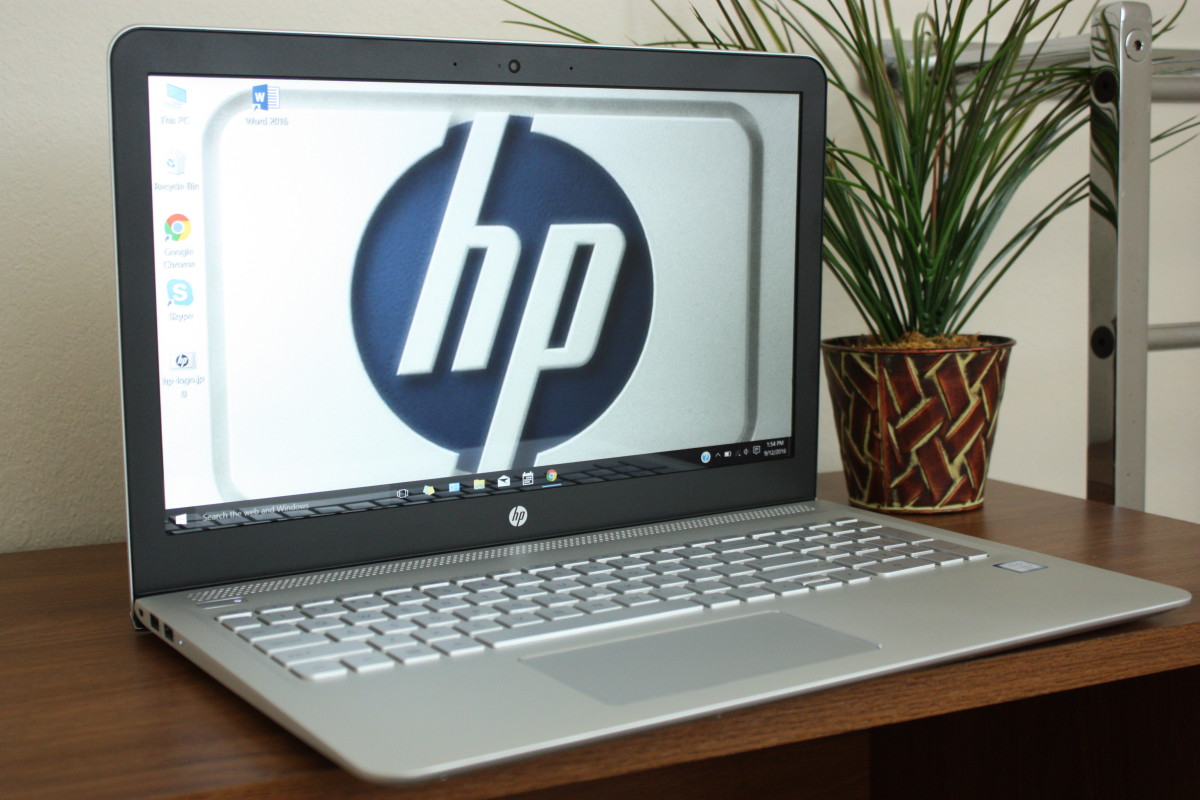
WARNING: Some premium notebooks, such as the HP Envy series, priced also at $1000 or so, has Intel graphics, which, as explained previously, is much less suitable for games.
The $1500 "gaming notebook"
Example: iBuyPower Valkyrie Series CZ-17-ST2 17.3" Gaming Laptop
Spec: NVIDIA 670M GPU, Intel Core i7 CPU, 16 GB RAM, 17.3" screen
Very good performance, heavy, big screen.
Suitable games: almost everything you can run on a desktop, but you may have to lower the resolution and details for the toughest games
The $2000 and above "uber laptop"
Example: Origin EON17 SLX, STARTING AT $1888 (and goes up from there)
Spec: top mobile GPU (AMD 7970M or NVIDIA 680M, single or dual) overclocked,up to Intel Extreme Core i7 quad CPU overclocked, up to 32 GB RAM, 17.3" 1080p screen
This is the top of the line... and priced like it.
Suitable games: almost everything you can run on a desktop
Few More Q&A
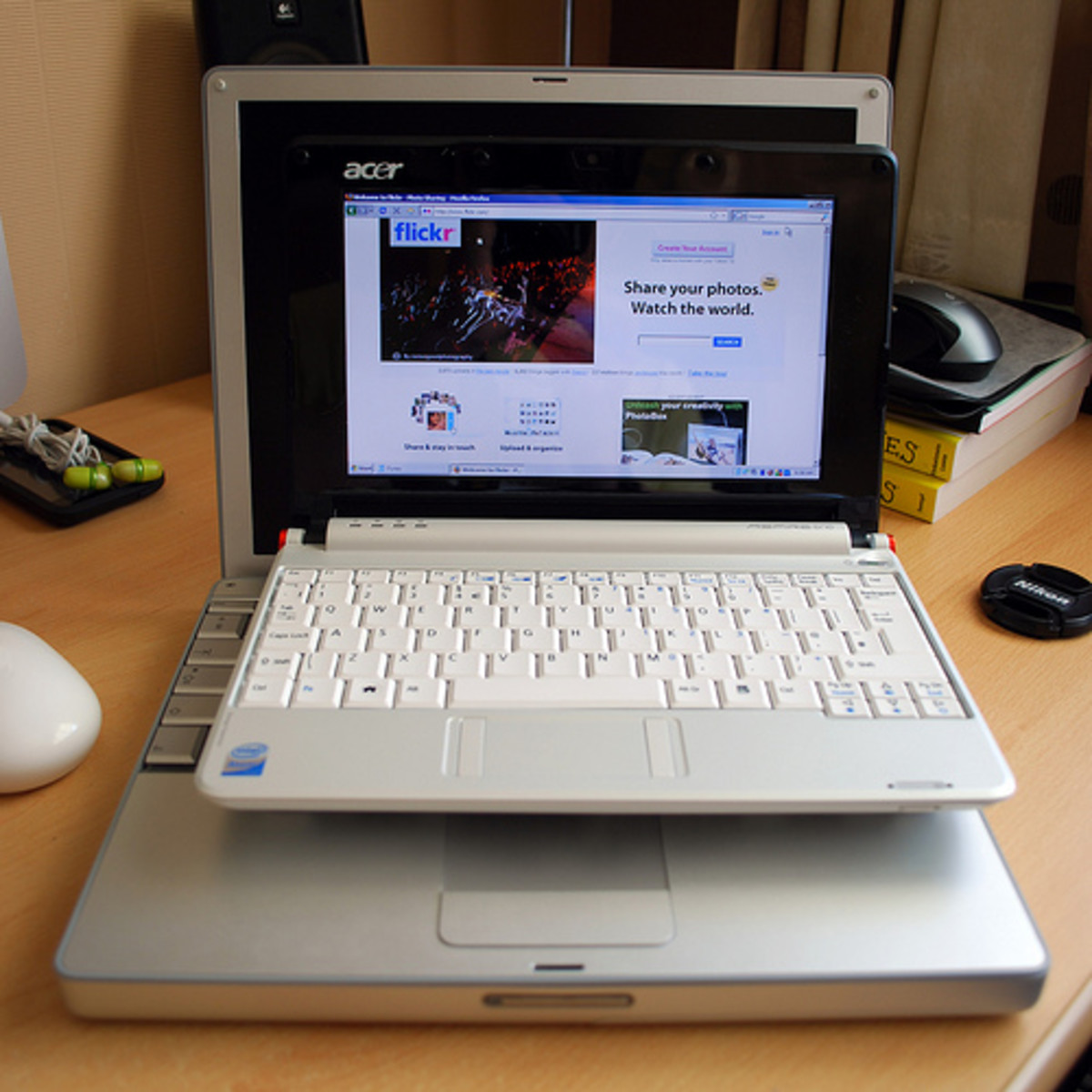
Q: is there such thing as a gaming "netbook"?
A: No. Most netbooks have LOUSY video cards, usually Intel video, which are really lousy. See next question. Netbooks are designed for battery life and net surfing, not games.
Q: Can I play any decent games on Intel GMA video, which my laptop comes with?
A: Not really. That video chipset don't even do hardware transform and lighting (T&L) which has been around for more than 11 years (it was on NVidia GeForce 256, released 1999) Later versions like Intel HD graphics have added some modern features but it's still not enough to play any serious games.
As a former owner of one such laptop, I share your pain. The games I can run on it are like DX8 games made like 3-5 years ago.
Q: Can I upgrade my video on my laptop / notebook / netbook / whatever?
A: In general, no. The video is part of the mainboard, not separate piece with connectors. It can't be switched.
Some VERY high-end laptops have special "video modules" (MXM modules) made for that model series that allow the maker to offer different configurations to different name brands. So brand A can sell actually the same laptop as brand B, albeit with different stuff inside and some different colors and looks and labels. They don't have all the latest video chipsets available, and it's only for those specific models, they cost WAY more than "video cards" you can buy in a store, and that's assuming you can even buy one, since they are not sold to consumers directly.
Q: Is there such as thing as "external video card"?
A: No. Three years ago some demo units were shown in Taiwan, but the results were very disappointing. Basically, it's a PCI-Express x16 slot to Express Card adapter. It has a LOT of problems.
1) It does NOT come with a video card. You need to buy your own.
2) You need connect it to a power supply, as you need to feed the power to the video card. Laptops don't have enough power to feed the card from internal circuits.
3) you can only connect that to an external monitor. It can't be hooked back into the built-in display
4) the resulting video card is slow as heck... maybe HALF of the performance if the same card is put in the desktop, due to the interface limit. And
5) It will still cost like $200 or so.
It's just not worth the trouble or the cost.
Conclusion
I hope this have been some help to your shopping. Buy the right computer and enjoy.